ISBN Barcode Generator
Make an ISBN barcode for your book online for free. Enter the ISBN-13 or an old ISBN-10, with or without hyphens: the generator places the hyphens from the official ISBN ranges, prints the ISBN above the bars and adds the 5-digit US price add-on if you want one. Download SVG, PNG, PDF or EPS for your cover.
45.4 × 30.8 mm at 300 DPI
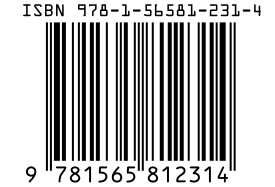
Scaled to fit. Actual size shows the print size on screen.
Print simulationNew
Shows how a worn print looks and tests it with the decoder.
Blue bars: the start, center and end guard patterns. Downloads stay in your chosen colors.
- Type
- ISBN · 1D
- Print size
- 45.4 × 30.8 mm
- Raster
- 551 × 374 px
- Modules
- 95 wide
- GS1 prefix
- 978 · Bookland (ISBN)
- Read back
Download
Vector drawing, 45.4 × 30.8 mm. Design and label programs place it at its print size.
More export optionsNewTest sheet · size set · embed code
Print test sheet (PDF)
The code at 80%, 100% and 150% with 100 mm and 4 in rulers. Print it at actual size and scan each copy before printing many.
Size set (ZIP)
Magnification
DPI
Embed code
How to Create an ISBN Barcode
Enter your ISBN, add the price if you sell in the United States or Canada, and download the file for your cover.
- Type your ISBN-13, or an ISBN-10 that the generator converts to ISBN-13.
- Check the line under the field: it shows the ISBN exactly as it will print above the bars, with its hyphens.
- For books sold in the United States or Canada, enter the price add-on, such as 52495 for US$24.95, or 90000 for no price.
- Download SVG for your cover designer, or PNG at the printer's DPI.
ISBN Barcodes With a Price
In the United States and Canada, the 5-digit add-on to the right of a book barcode carries the cover price in US dollars.
How the Price Add-On Works
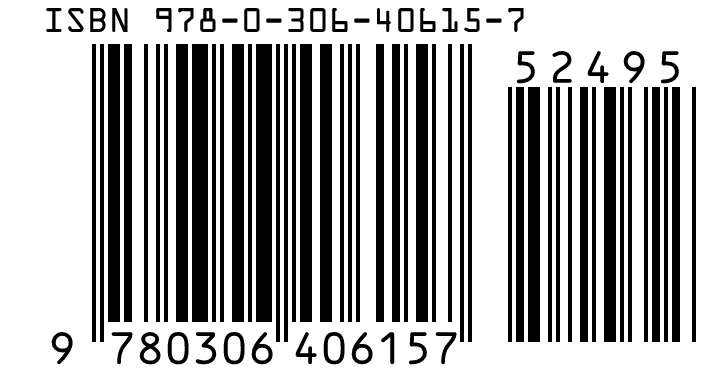
First digit 5: means US dollars: 52495 is US$24.95, from 50001 (US$0.01) to 59998 (US$99.98).
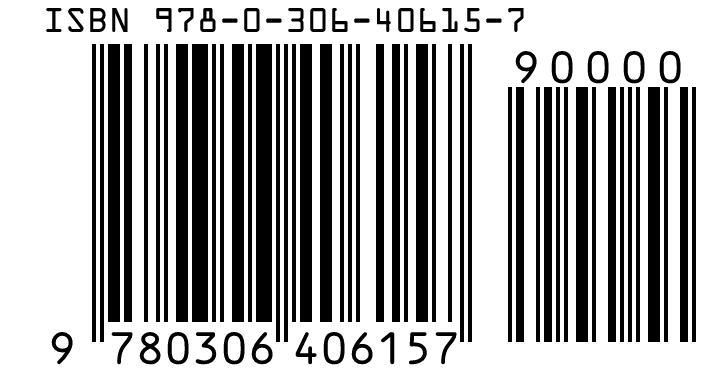
90000: means no US$ price is encoded, or the book has no cover price.
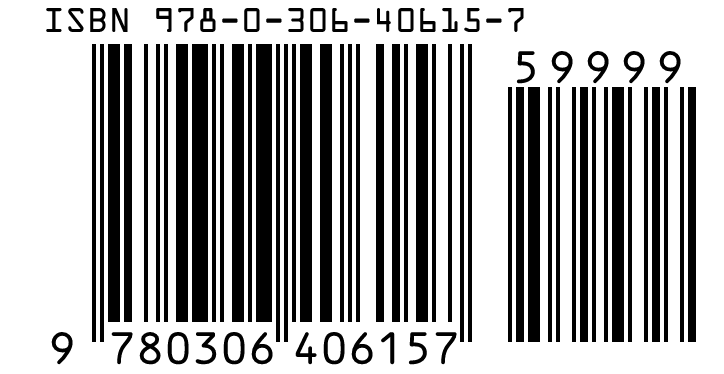
59999: was used in the past for prices above US$99.98.
Books Sold Outside North America
The ISBN manual says the 5-digit add-on should not carry a price in other countries. Publishers there may use it for their own codes from 90000 to 98999, such as for handling returns.
ISBN Barcode Specifications
An ISBN barcode is an EAN-13 with the 978 or 979 book prefix, printed to the GS1 retail rules.
| Property | ISBN (Bookland EAN-13) |
|---|---|
| Digits | 13 digits: prefix 978 or 979, registration group, registrant, publication and check digit |
| Characters | Digits 0 to 9; the old 10-character ISBN-10 could end in X |
| Check digit | GS1 mod 10 for the 13-digit ISBN; ISBN-10 used mod 11 |
| X-dimension (narrowest bar) | 0.33 mm (0.0130 in) standard; 0.264 to 0.66 mm allowed |
| Minimum bar height | 22.85 mm (0.900 in) at the standard X-dimension; 18.28 mm at the smallest and 45.7 mm at the largest |
| Quiet zone | 11 modules left, 7 modules right |
| Human-readable text | The ISBN is printed above the bars, preceded by "ISBN", with hyphens between its elements |
| Add-ons | In the United States and Canada a 5-digit price add-on: 5 + the US$ price (52495 = US$24.95), or 90000 for no US$ price |
| Where the numbers come from | Your national ISBN agency (directory at isbn-international.org) |
| Example | 978-1-56581-231-4 |
GS1 prefixes 978–979 (GS1 General Specifications page 26); ISBN Users' Manual §13.2 (human-readable ISBN above the barcode) and §13.3 (price add-on in the US and Canada); BISG guidelines for the price ranges.
Sources, checked 2026-10-04: GS1 General Specifications, Release 26.0 (ratified January 2026); ISBN Users' Manual, seventh edition (International ISBN Agency, 2017); ISBN range message (International ISBN Agency); Find an ISBN agency (International ISBN Agency); Barcoding Guidelines for the U.S. Book Industry (BISG, August 2025).
ISBN-10 and ISBN-13
Every ISBN today has 13 digits; an older 10-digit ISBN becomes an ISBN-13 by adding 978 and recalculating the check digit.
Converting an ISBN-10
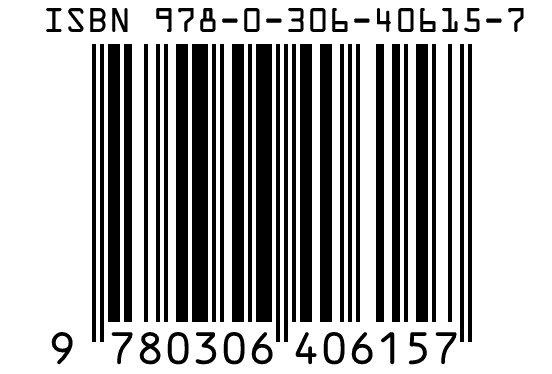
Drop the ISBN-10 check digit, put 978 in front of the other nine digits, and calculate a new GS1 check digit. The generator does this when you type an ISBN-10, so 0-306-40615-2 becomes 978-0-306-40615-7.
ISBNs That Start With 979
ISBNs with the 979 prefix were never issued as ISBN-10 and have no 10-digit form. Part of 979, the range 979-0, is used for printed music (ISMN) rather than books.
What is an ISBN? the number itself, its parts and ISBN-10 vs ISBN-13 compared.
Where the Hyphens in an ISBN Go
The hyphens separate the five parts of an ISBN, and their places depend on ranges published by the International ISBN Agency.
The Five Parts of an ISBN
- Prefix: 978 or 979.
- Registration group: a country, region or language area, from 1 to 5 digits.
- Registrant: the publisher, of a length set by the group's ranges.
- Publication: the title or edition.
- Check digit: the last digit, calculated from the others.
Printed Above the Barcode
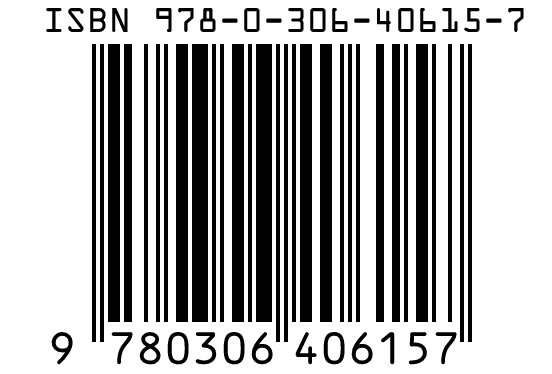
The ISBN manual asks for the ISBN to appear in human-readable form directly above the EAN-13 bars, preceded by "ISBN". The generator prints it that way, hyphenated from the agency's current range list.
Placing the Barcode on Your Book
The ISBN manual recommends the lower right of the back cover, near the spine.
Size and Quiet Zone
Print the barcode at 100% where you can, with the quiet zones clear of artwork: 11 modules on the left and 7 on the right of the main bars. A white box behind the barcode keeps the contrast high on dark covers.
Frequently Asked Questions
Is This ISBN Barcode Generator Free?
Yes. There is no account, no watermark and no download limit, and you may print the barcode on books you sell.
Do I Need to Type the Hyphens?
No. Type the digits with or without hyphens; the generator places the hyphens from the International ISBN Agency's ranges and shows the result before you download.
What Does 90000 Mean on a Book Barcode?
It means no US$ price is encoded. US book industry guidelines recommend it when the publisher does not encode the cover price or the book has none.
Can I Use One ISBN for the Paperback and the Ebook?
No. An ISBN identifies one edition in one format from one publisher, so the paperback, hardcover and ebook each need their own ISBN.
Where Do I Get an ISBN?
From the ISBN agency of your country or language area; the International ISBN Agency lists them. The generator draws the barcode for an ISBN you already have; it does not issue ISBNs.
Why Does the Generator Say My ISBN Range Is Not Assigned?
The digits after 978 or 979 do not fall in a range the International ISBN Agency has published, so the ISBN cannot be valid as typed. Check the number on your ISBN agency's record.
Related Barcode Tools
- ISSN barcode generator for magazines
The barcode for serials.
- EAN-13 barcode generator
The same symbol for products.
- Check a cover proof with the barcode reader
Read the barcode from an image.