GS1-128 Barcode Generator
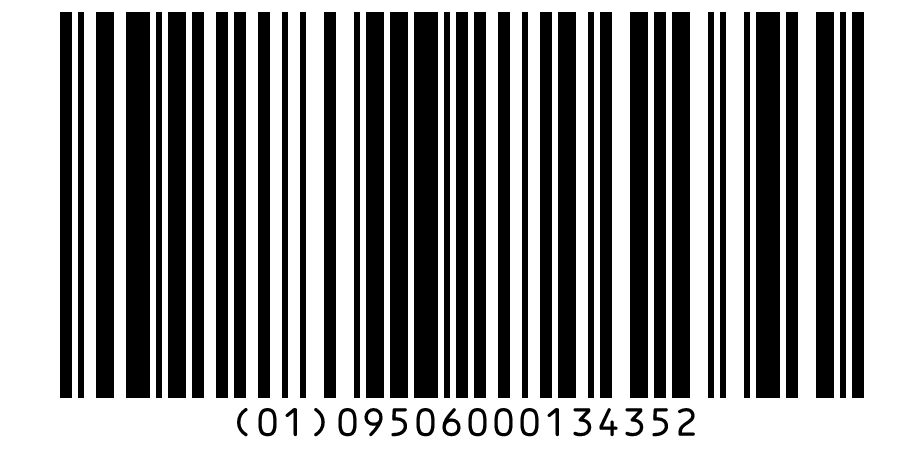
Make a GS1-128 barcode online for free. Add Application Identifiers such as (01) for the GTIN, (17) for the expiry date and (10) for the batch, and GS1's Barcode Syntax Engine checks every value. See where FNC1 goes and what a scanner sends, then download SVG, PNG, PDF or EPS.
136.1 × 37.2 mm at 300 DPI
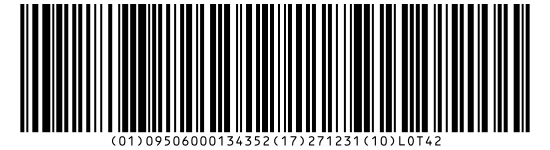
Scaled to fit. Actual size shows the print size on screen.
Print simulationNew
Shows how a worn print looks and tests it with the decoder.
Blue bars: the start, center and end guard patterns. Downloads stay in your chosen colors.
- Type
- GS1-128 · 1D
- Print size
- 136.1 × 37.2 mm
- Raster
- 1650 × 451 px
- Modules
- GS1 prefix
- Read back
Valid GS1 data: 3 element strings, checked with GS1's Barcode Syntax Engine 1.4.1.
Message with FNC1
FNC101095060001343521727123110LOT42
What a scanner sends
]C101095060001343521727123110LOT42
GS1 Digital Link URI
https://id.gs1.org/01/09506000134352/10/LOT42?17=271231
A valid structure is not GS1 certification: the GTIN or SSCC must come from your own GS1 Company Prefix, licensed by GS1.
The check runs on your device with the GS1 Barcode Syntax Engine 1.4.1, © GS1 AISBL, under the Apache License 2.0.
Download
Vector drawing, 136.1 × 37.2 mm. Design and label programs place it at its print size.
More export optionsNewTest sheet · size set · embed code
Print test sheet (PDF)
The code at 80%, 100% and 150% with 100 mm and 4 in rulers. Print it at actual size and scan each copy before printing many.
Size set (ZIP)
Magnification
DPI
Embed code
Type an AI number or pick one from the list.
How to Create a GS1-128 Barcode
Enter each Application Identifier and its value, fix anything the check reports, and download the barcode.
- Type an AI number, such as 01 for the GTIN, or pick one from the list.
- Enter its value: date AIs offer a date picker, and weights and measures place the decimal point for you.
- Add more AIs and read the check under the preview, which names the AI and the rule when something is wrong.
- Set the X-dimension and bar height for your label, then download SVG, PNG, WebP, JPEG, PDF or EPS.
GS1-128 Barcode Format
A GS1-128 barcode is a Code 128 symbol that starts with FNC1 and holds element strings: an Application Identifier followed by its value, one after another.
Element Strings and Brackets
Each element string is an AI of two to four digits followed by its data. GS1 puts the AIs in brackets in the text under the bars, but the brackets are not encoded. The generator reads the same bracketed form, such as (01)09506000134352(10)LOT42.
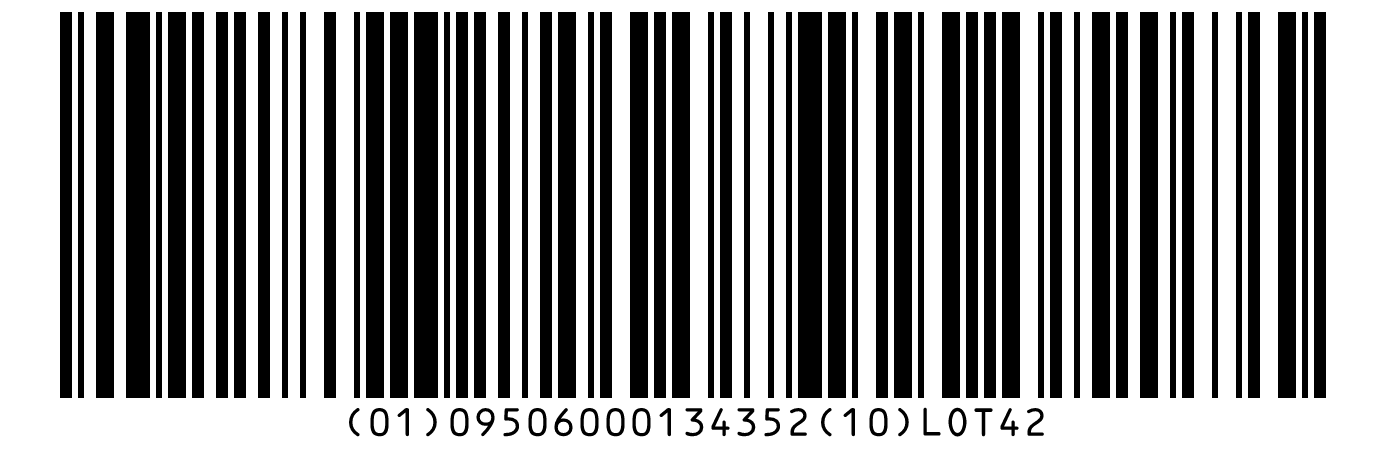
Where FNC1 Goes
FNC1 in first position marks the symbol as GS1 data. An AI without a predefined length needs FNC1 after its value when another AI follows, so placing variable-length AIs last saves characters. A scanner sends that FNC1 as the group separator, ASCII 29.
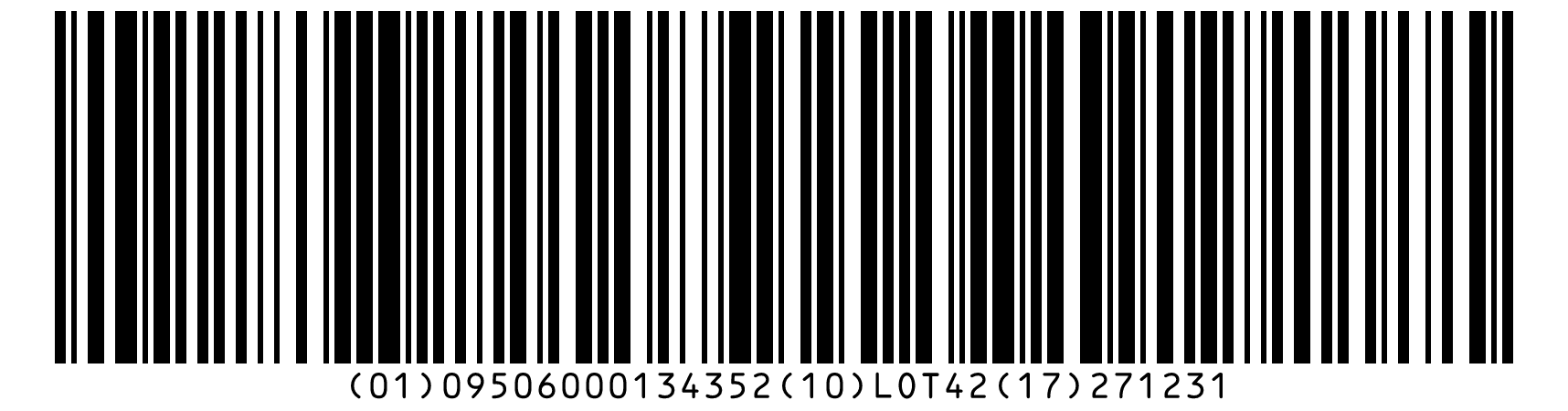
Size Limits
GS1 allows at most 48 data characters and a length of 165.10 mm, quiet zones included, for one GS1-128 symbol. The builder warns when the message is longer than 48 characters. Long data fits better in GS1 DataMatrix.
GS1-128 Application Identifiers
This selection covers keys, batches, dates, counts, weights and shipping data, with GS1's description and format; the builder accepts all 541 AIs in GS1's list.
Format: N is a digit; X, Y and Z are characters from GS1's character sets 82, 39 and 64; ".." means up to that many; brackets mark an optional part.
| AI | Data title | Description | Format | FNC1 after it |
|---|---|---|---|---|
| (00) | SSCC | Serial Shipping Container Code (SSCC) | N18 | No |
| (01) | GTIN | Global Trade Item Number (GTIN) | N14 | No |
| (02) | CONTENT | Global Trade Item Number (GTIN) of contained trade items | N14 | No |
| (10) | BATCH/LOT | Batch or lot number | X..20 | Yes, unless last |
| (11) | PROD DATE | Production date (YYMMDD) | N6 | No |
| (15) | BEST BEFORE or BEST BY | Best before date (YYMMDD) | N6 | No |
| (17) | USE BY or EXPIRY | Expiration date (YYMMDD) | N6 | No |
| (21) | SERIAL | Serial number | X..20 | Yes, unless last |
| (37) | COUNT | Count of trade items or trade item pieces contained in a logistic unit | N..8 | Yes, unless last |
| (3103) | NET WEIGHT (kg) | Net weight, kilograms (variable measure trade item) | N6 | No |
| (400) | ORDER NUMBER | Customers purchase order number | X..30 | Yes, unless last |
| (410) | SHIP TO LOC | Ship to / Deliver to Global Location Number (GLN) | N13 | No |
| (420) | SHIP TO POST | Ship to / Deliver to postal code within a single postal authority | X..20 | Yes, unless last |
Sources: GS1 Barcode Syntax Dictionary, release 2026-01-27, and the GS1 Application Identifiers vocabulary, version 1.2.
Code 128 vs GS1-128
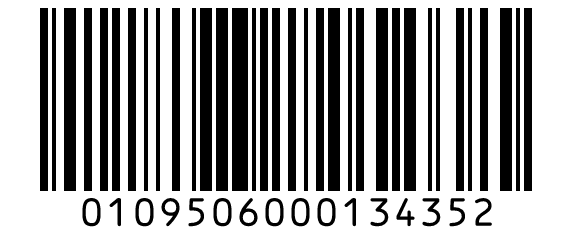
GS1-128 is Code 128 with FNC1 in first position and data written as GS1 element strings, so software can split the fields.
| Property | Code 128 | GS1-128 |
|---|---|---|
| First characters | Start character | Start character, then FNC1 |
| Data | Any ASCII text | GS1 element strings (AI and value) |
| Scanner prefix | Not GS1 data | ]C1 |
| Checks on this site | Characters only | AIs, lengths, check digits, dates and AI pairs |
Which One to Use
Use GS1-128 when the barcode carries GS1 data for trading partners, such as an SSCC or a GTIN with a batch and dates. Use Code 128 for internal labels that only your own systems read.
GS1-128 Labels and Printing
For cartons and pallets scanned in general distribution, GS1 sets an X-dimension of 0.495 to 1.016 mm and a bar height of at least 31.75 mm, and the generator starts at those values.
Test a Printed Label
Print one label and scan it with the barcode reader or scanner on this site, which list each AI and value they find. This generator draws the barcode only, not the text blocks of a full logistic label.
Frequently Asked Questions
What Is a GS1-128 Barcode?
A GS1-128 barcode is a Code 128 symbol that starts with FNC1 and carries GS1 element strings. GS1 uses it in distribution for data such as the GTIN, batch, dates and the SSCC.
Why Does the Check Say Required AIs Are Not Satisfied?
Some AIs are only valid with another one in the same barcode: a batch number (10), for example, needs (01), (02), (03), (8006) or (8026). GS1's syntax dictionary lists these rules, and the message names the AIs that would satisfy it.
How Do I Enter a Weight Such as 1.5 Kilograms?
Use AI (3103), net weight in kilograms with three decimal places, and type 1.5 in its amount field: the value becomes 001500. The fourth digit of the AI sets the number of decimal places.
Which Check Digits Does a GS1-128 Barcode Have?
Two kinds. Code 128 adds a mod 103 check character that is not shown in the text, and keys such as the GTIN and SSCC end with a GS1 check digit. The builder rejects a wrong GS1 check digit and marks it.
Can I Check GS1-128 Data From My Scanner?
Yes. Open Check GS1 data under the Application Identifiers and paste what your scanner sends, writing the group separator as {GS}; the AIs are checked and loaded. The barcode reader on this site also splits a GS1-128 image into AIs.
Is This GS1-128 Generator Free?
Yes. There is no account, watermark or download limit. The GTIN or SSCC you encode still has to come from your own GS1 Company Prefix.
Related GS1 Tools
- SSCC barcode generator
The 18-digit SSCC for pallets and cartons.
- GS1 DataMatrix generator
GS1 data in a small 2D code.
- Barcode reader
Read a GS1 barcode from an image and see each AI.